
Joining as a Seller
Congratulations. You have identified that your business is throwing away surplus food. And you understand how ReMeal can help you with this problem. Here are the next steps to start selling.
Follow the steps below to get your business verified, and set up a payout method so you can receive payments to your bank account.
Complete 2 simple steps to find your store and fill in your details on the Sell on ReMeal page.

When your account has been created, you will be logged into the Seller Portal. You can also use the same login and password to access the ReMeal Seller App.
For day-to-day operations, you will typically be using the Seller App which will be installed on a mobile device in your store. The Seller Portal will be used for setting up, and accessing more advanced functionality around managing your store.
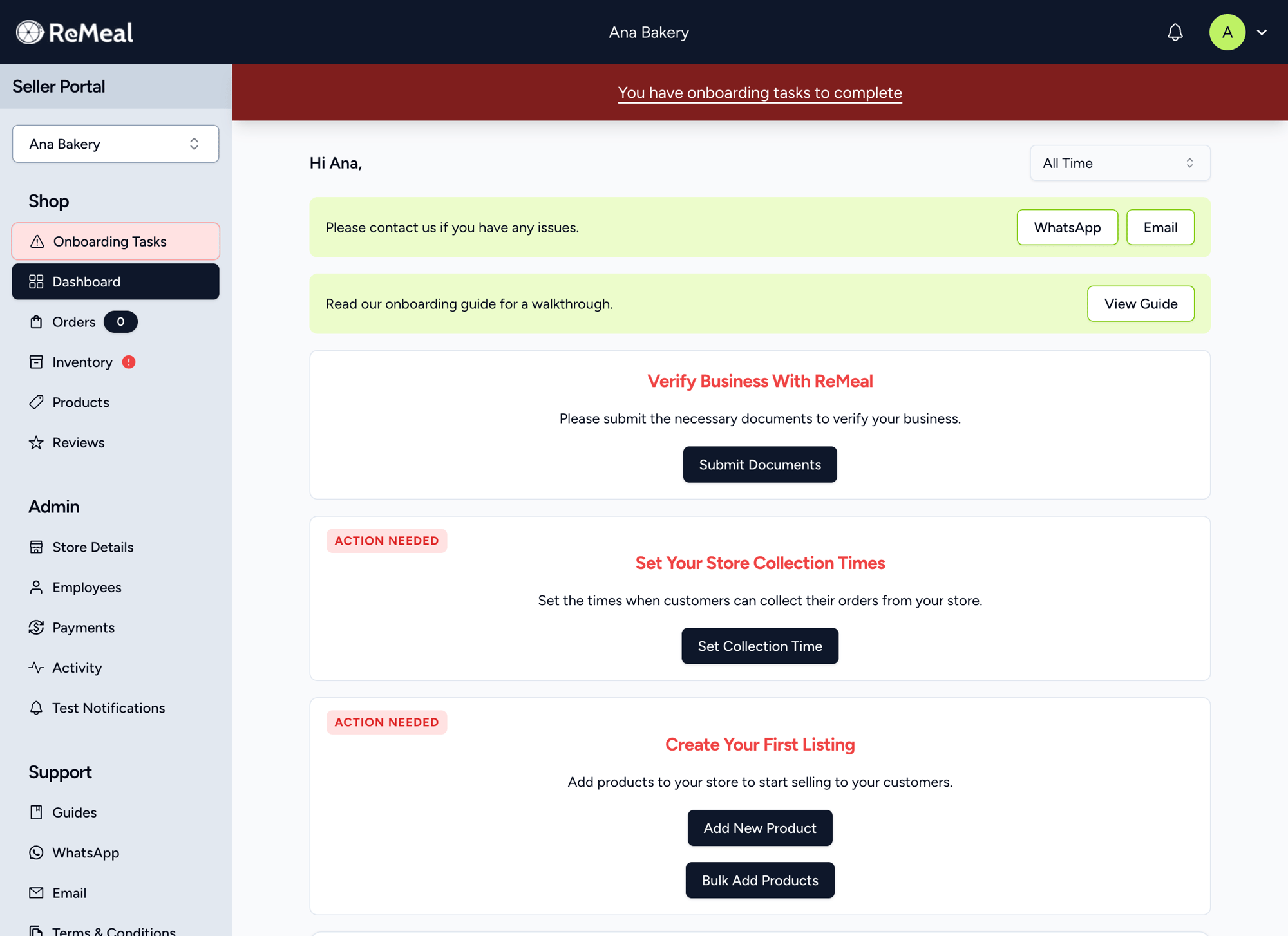
Enter your business, representative, and bank details in the verification form. We may ask for further information if needed.
If you manage multiple stores and have completed verification details before, you can copy those details to another store.
Your business has to be registered with SSM. This includes Sole Proprietorship, Partnership, Sdn Bhd, Bhd, LLP.
The verification form requires:
- Business registration details
- Your representative and contact details
- Company bank details for payouts
Once ReMeal has verified your business, you will receive an email. In the meantime, you are able to manage your store, such as adding products, setting up employee access, and setting your collection times.